
Image to video
Give a still photo its next moment.
Choose a video effect, upload your photo, and check the settings before generating.
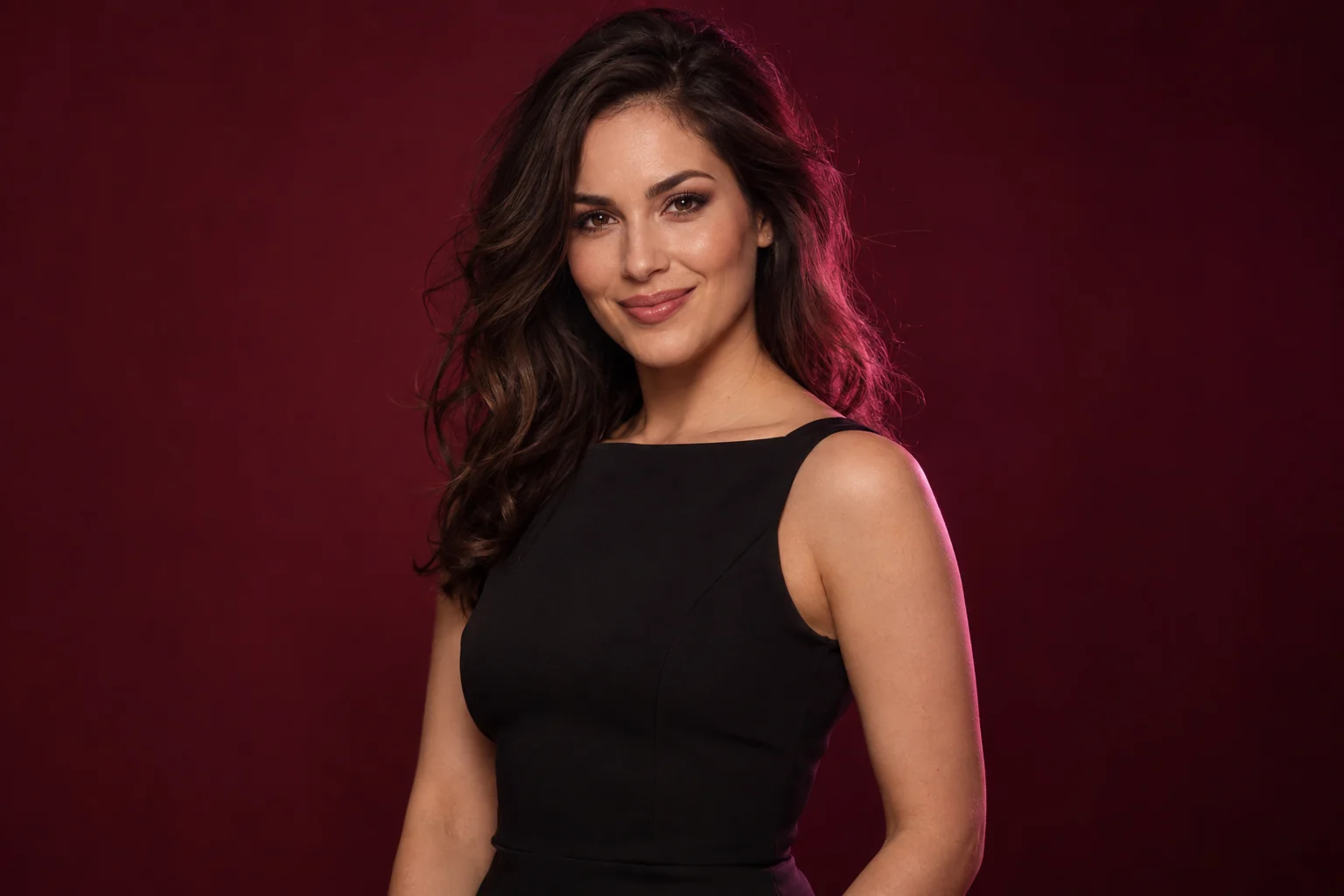
Start with a photo, choose the motion
Open a video template to see its actual sample beside your upload. Select the quality and duration offered by that template. Use the preset or add an optional prompt to guide the movement.
Preview the whole frame
The App displays video samples in portrait frames without cropping them. Your generated output follows the source image and template behavior, so the preview layout does not force a new aspect ratio.
Build a longer sequence where supported
The generation dialog offers extra clips for supported single-photo video workflows. Each clip adds to the duration and the quote. Check the combined credit cost before starting.
Illustrative imagery. Actual samples are available in the App.
Keep creating with confidence.
Your next idea starts here
Find an effect. Make it yours.
Browse first. Sign in when you’re ready to create.